


Are you redesigning the ‘Team’ page for your business, public administration or care facility? The first decision is not the camera. It is what the images should help people understand: who welcomes your clients, how you work and what relationship you want to create.
Before scheduling the session, gather five pieces of information: the intended uses, the number of people, the available spaces, scheduling constraints and the person who will approve the images. This gives the photographer a concrete basis for preparing the session.
1. Start with the media, not a list of poses
A portrait for an internal directory serves a different purpose from a large homepage image. Prepare a screenshot of your future website, an example employee profile or the dimensions provided by your graphic designer. Mention if text needs to be placed beside the people.
- Individual portraits: define the framing and formats needed.
- Group photo: bring the right people together at the same time.
- Images of your work: show a gesture, an interaction or a space that is genuinely useful for your presentation.
For portraits of the same team, keeping the background, framing and colour rendering consistent makes it easier to combine them on a page. This principle is also explored in the Adobe guide to corporate portraits. Consistency does not mean identical expressions: everyone should remain recognisable.
2. Choose a quiet space and plan an alternative
Send a few photos of the location before the session: an overview, windows and the proposed background. Indicate access times, occupied rooms and busy passageways. An attractive corner with constant foot traffic can make portraits more difficult.
Allowing setup time before the first people arrive leaves time to check the light. Nikon also recommends testing the lighting before photographing your subjects. The exact setup will depend on the location; you do not need to buy equipment to prepare the brief.
If you choose an outdoor setting, agree on a meeting point and a solution for bad weather. At TimFocus, a session can be planned at your premises or outdoors, in Neuchâtel or elsewhere. A studio can also be hired for an additional 100 CHF; the location and any travel arrangements are to be confirmed together.
3. Inform people without asking them to become models
A short internal message is enough to explain the purpose of the photos, the location, time slots and intended uses. Suggest clothing that everyone feels comfortable in and that suits their work. If your company wants a dress code, communicate it in advance, not when the photographer arrives.
Avoid instructions such as “everyone must smile exactly the same way”. Instead, allow a little time for each person to settle in and receive guidance. For an organisation welcoming the public or children, prepare the people to be photographed, permissions and excluded areas separately; a staff photo does not imply photographing the people they serve.
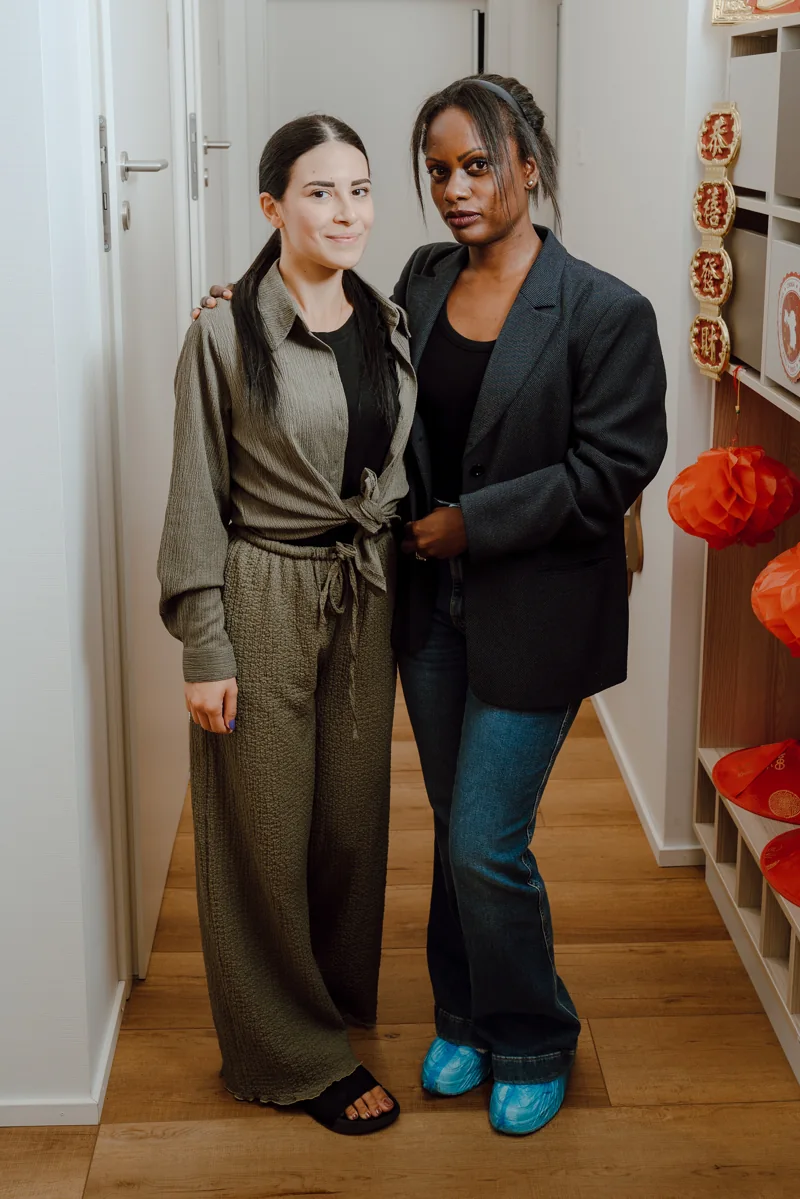
4. A sample schedule with a real buffer
Fictional example for a small team: first reserve time for setup and testing, then organise portraits in time slots, bring the group together at an agreed time, and finally take a few images of people at work. Leave a buffer slot at the end for an absence or interruption.
This is neither a package nor a promised duration. The number of people, changes of setting and variety of images affect the time needed. Ask the photographer to approve the schedule before sharing it with the team. An on-site coordinator can notify the next colleague and manage unavailability.
5. Prepare for what happens after the session too
Agree on selection, retouching level, delivery formats, deadline and permitted uses before the shoot. Appoint a contact person to collect feedback. If your team grows, keep references for the background and framing to discuss a consistent additional series, without assuming the look can be reproduced identically in another location.
The brief to send to the photographer
- Our activity and the message the photos should convey.
- The channels: website, professional profiles, recruitment, printed communications.
- The number of people and priority images.
- The location, a few views of the spaces and access constraints.
- Possible dates, absences and the coordinator.
- The date by which the files need to be ready for use.
If the project also includes interviews or moving footage, distinguish photo and video requirements in this initial brief. You can continue with our article on corporate video : planning a shoot also needs to take sound and the scenes to be filmed into account.
Written by TimFocus. Sources: Adobe and Nikon guides linked in the text, accessed on 15 October 2026. The organisational advice consists of recommendations, not an account of a client assignment or a guarantee of results.
To plan image preservation too: understanding dual-card recording and backups
Planning a filmed presentation too? Here is how to choose between a lavalier and a shotgun microphone for a video interview
A screen or the lighting in a room also deserves a test before the session: here are the settings to check if bands appear in your photos under LED lighting.